PrivateChief vs. Google Home MCP
How much of your home should an AI agent be allowed to run?
Google opened early access to Home MCP in September 2026, so an AI agent of your choosing can work directly with the devices and event history in your Google Home. If your house already runs on Google and Nest equipment, it is worth trying. PrivateChief answers a different question: who configures the household, who stays accountable for it, and where the household’s record is kept.
US household comparison · Checked
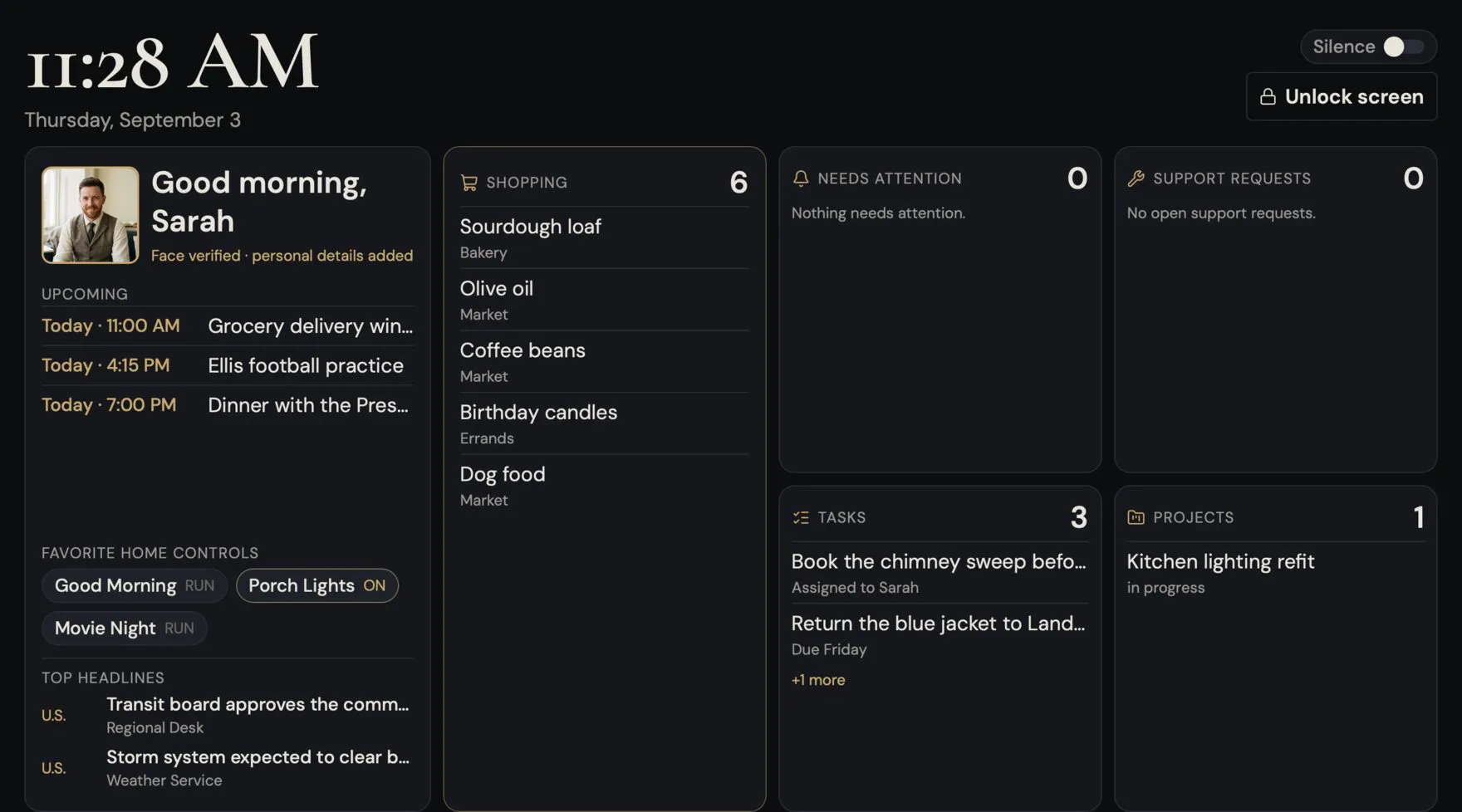
Start with the fit.
Consider Google Home MCP
Consider Home MCP when your devices are already in Google Home, you are comfortable with the developer setup Google asks for, and what you want is for an agent you already use to see and control those devices.
Home MCP is built on an open standard, so the agent is your choice rather than Google’s; the documentation names Google Antigravity, Claude Cowork and OpenClaw as examples. Asking questions of your own device history in ordinary language is genuinely useful, and any agent that speaks MCP can do it. [1]
Consider PrivateChief
Consider PrivateChief when the household itself needs managing — calendars, correspondence, documents, tracked projects and compatible home controls — configured by engineers who remain responsible for it afterwards.
A useful starting point is the Household Office: keeping documents and administrative work in order. The Chief prepares, organizes and explains; licensed professional advice and hands-on care remain with people.
Compare the work and the service.
| What matters | Google Home MCP | PrivateChief |
|---|---|---|
| What the agent can do | Five tools: list_homes, list_home_resources, list_home_states, run_home_actions and list_home_history. An agent can discover homes and devices, read live state, run parameterized commands and query past events. [1] | A named Chief works across the household: home controls, calendars, correspondence, lists, errands and tracked projects, under per-member permissions you set. |
| Automations and routines | Listed under Coming Soon: “Creating and managing automations with Home MCP is not supported at this time.” Google says it plans to release automations support in a future release. [1] | Automations are part of the service. Every one is registered and visible in your Chief’s automation list, so nothing runs in your home that you cannot see and switch off. |
| Safety limits and agent behaviour | Google warns that “connecting a real-life home to an AI agent allows that agent to control devices on your behalf,” and that Home MCP “enforces rate limits and safety protections, such as prohibiting sensitive actions like unlocking doors.” It also notes longer-than-expected latency and some traits marked experimental. [1] | Permissions are set per member, sensitive actions require confirmation, and the engineers who configured the system remain responsible for how it behaves. We set the boundaries with you rather than leaving them to whichever agent you connected. |
| What it takes to set up | Prerequisites are a Google Home setup with connected devices, a Home Premium Advanced subscription, access to a Google Cloud project and an MCP-compatible client. The household configures the OAuth consent screen and client itself. [1] | PrivateChief engineers scope and configure the service, then handle monitoring, updates, backups and support. There is no Cloud project to create and no OAuth client to publish. |
| Where it runs and what leaves the home | A cloud service: the agent connects to https://home.googleapis.com/mcp under the OAuth scope https://www.googleapis.com/auth/home.platform.v2. Once authorized, the connected agent can read device state and event history for the home. [1] | The working household record lives on your own dedicated server, which we host, and supported devices are reached locally through an optional Home Assistant box in your house. Limited context may go to contracted AI services, and encrypted recovery backups are held separately; this is not an offline service, and the boundaries are published. |
| Does it work with what you already own? | Devices already connected in Google Home. Google's documentation covers categories from lighting and thermostats to locks, televisions, vacuums, coffee makers and sprinklers. [1] | A PrivateChief home with the optional Home Assistant box runs its own Home Assistant installation, which reaches a far wider range of equipment, including Control4 and Lutron. We publish the gaps as well as the matches and verify your device list before agreeing a setup. |
Read PrivateChief’s privacy and oversight boundaries, supported integration details and setup process. This comparison uses published documentation; it is not a head-to-head performance test.
What does Google Home MCP cost?
Google Home MCP
$20 / month
Home MCP requires “an active Google Home Premium Advanced subscription.” Google prices the Advanced plan at “$20/month or $200/year.” It is included at no extra cost for Google AI Ultra subscribers, and AI Pro members can upgrade to Advanced for $10 per month. You also need a Google Cloud project and an MCP-compatible agent, whose own cost is separate. [2]
PrivateChief
$199 / month
One membership is $199 a month for your household and any number of businesses, each in its own workspace, on one dedicated server we host. Setup is a fixed $299, once, and no equipment is required. Wall units and a Home Assistant box for home control are optional equipment you buy directly; any in-person setup is quoted first.
AI usage is separate: bring your own OpenAI account, or use capacity we supply at our cost plus 30%. Metered voice is billed at cost plus 30% either way. No annual commitment or cancellation fee.
These two figures measure different things. Home MCP gives an agent access to devices you already own and already manage yourself. A PrivateChief membership is a managed household service, and its fee should be weighed against the household work you actually want taken off your hands — not against a device-control subscription.
Before you choose.
Does PrivateChief use Google Home MCP?
Not today. A PrivateChief home controls its devices through its own Home Assistant installation on the optional Home Assistant box, reaching supported devices locally on the home network, with no extra subscription. We are looking at whether Home MCP reaches anything Home Assistant does not. If it does, it would be added behind your Chief’s permissions and shown in your automation list — not run as a separate, invisible path into your house.
Can I use both?
Yes. Nothing about Home MCP prevents a PrivateChief membership, and nothing about PrivateChief stops you authorizing your own agent in Google Home. If you do run both, remember that each one is a separate grant of authority over the same devices.
Is it safe to let an AI agent into my home?
Read Google’s own warning on the page linked below before deciding. It is candid about what connecting a real home to an AI agent means, and the same caution applies to any such system, including ours. The questions worth asking are which actions require confirmation, which are refused outright, whether you can see every automation that runs, and who is accountable when something goes wrong.
Will Home MCP replace a service like PrivateChief?
For device control, it may well be enough for many households, and we would rather say so than pretend otherwise. What it does not do is the household administration: the calendars, the correspondence, the documents, the recurring work and the engineering care. That is the part we are asking you to pay for.
What happens when Google changes these details?
Home MCP is in early access, so the requirements and limitations on this page will move. Every Google figure here is checked against Google’s own documentation on the date shown and re-checked automatically each week. If the source wording changes, the figures are withdrawn from this page until a person has read the source again.
Also considering Alexa+ or Josh.ai or Apple HomeView or ChatGPT? Those comparisons are here too.
Start with the work, not the protocol.
Tell us which devices you already run and which recurring household tasks still land on you. We will show what a Chief can take on, what stays your decision, and where an agent you already own would serve you just as well.
Sources and scope
- Google Home Developers: Google Home MCP Server (Early Access)
- Google: introducing the Google Home Premium subscription
Reviewed 18 September 2026. Pricing and availability can change. Prepared by PrivateChief, the service being compared. Google Home MCP is a trademark of its respective owner; no affiliation or endorsement is implied.

